Thomas Pedot
mardi 21 avril 2026
Building a Rich Text Editor for Tauri Mobile: TipTap + WebView Implementation
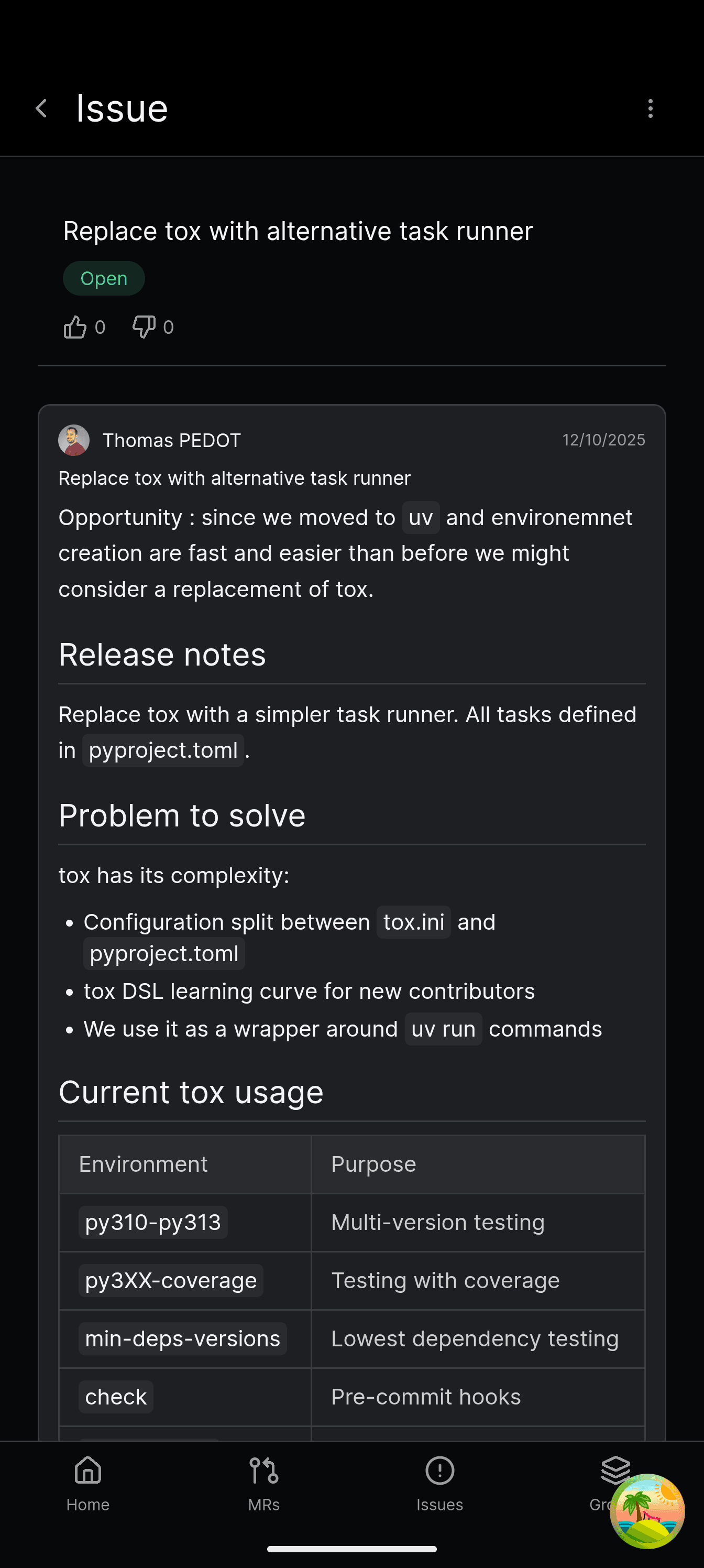
GitAlchemy's mobile users needed to write formatted issues and merge request descriptions — bold, lists, code blocks, tables — but mobile GitLab clients typically ship plain textareas. This article covers how GitAlchemy implemented a full WYSIWYG editor using TipTap running in a WebView, bridged to native React for a seamless mobile experience.
This builds on the Raycast-inspired design system article, which established the visual foundation.
The Mobile Editor Challenge
TipTap is built on ProseMirror, which relies heavily on browser DOM APIs — selection management, input handling, contenteditable behavior. None of this works natively in React Native or Tauri's mobile WebView without significant adaptation.
The standard approaches:
- Native editor libraries — Limited functionality, poor markdown compatibility with web TipTap
- TenTap / react-native-webview — React Native WebView wrapper around TipTap, works but adds dependency
- Custom WebView bridge — Full control, TipTap-compatible HTML output, works across React Native, Tauri, and Expo
GitAlchemy chose approach 3: a WebView running TipTap, bridged to React via postMessage for two-way communication.
Architecture: WebView as Editor Surface
The editor runs in a WebView component that acts as a self-contained editor iframe:
1┌─────────────────────────────────────────┐
2│           React Native View             │
3│  ┌───────────────────────────────────┐  │
4│  │         WebView (TipTap)          │  │
5│  │  ┌─────────────────────────────┐  │  │
6│  │  │  ProseMirror Editor          │  │  │
7│  │  │  - Formatting toolbar       │  │  │
8│  │  │  - Content editable area    │  │  │
9│  │  │  - Keyboard handling         │  │  │
10│  │  └─────────────────────────────┘  │  │
11│  └───────────────────────────────────┘  │
12│         ↑ postMessage bridge ↑          │
13└─────────────────────────────────────────┘
The WebView receives formatting commands from React and sends content updates back to React.
Implementation
The WebView HTML Template
The editor runs inside an HTML template that loads TipTap and initializes the editor:
1<!DOCTYPE html>
2<html>
3<head>
4  <meta name="viewport" content="width=device-width, initial-scale=1.0, maximum-scale=1.0, user-scalable=no">
5  <style>
6    body { margin: 0; padding: 16px; background: #1e1f23; color: #fff; font-family: Inter, sans-serif; }
7    .ProseMirror { outline: none; min-height: 150px; }
8    .ProseMirror p.is-editor-empty:first-child::before { content: attr(data-placeholder); float: left; color: #71717a; }
9    .ProseMirror ul, .ProseMirror ol { padding-left: 24px; }
10    .ProseMirror code { background: #2a2b2f; border-radius: 4px; padding: 2px 6px; font-family: monospace; }
11    .ProseMirror pre { background: #2a2b2f; padding: 12px; border-radius: 8px; overflow-x: auto; }
12    .ProseMirror blockquote { border-left: 3px solid #3b82f6; padding-left: 12px; color: #a1a1aa; }
13    .ProseMirror table { border-collapse: collapse; width: 100%; margin: 12px 0; }
14    .ProseMirror th, .ProseMirror td { border: 1px solid #3a3d40; padding: 8px; text-align: left; }
15  </style>
16</head>
17<body>
18  <div id="editor"></div>
19  <script src="https://unpkg.com/@tiptap/core@2.7.0/dist/tiptap.umd.js"></script>
20  <script>
21    const editor = new Tiptap.Editor({
22      element: document.getElementById('editor'),
23      extensions: [
24        Tiptap.StarterKit,
25        Tiptap.Placeholder.configure({ placeholder: 'Write a comment...' }),
26        Tiptap.Link.configure({ openOnClick: false }),
27        Tiptap.Underline,
28      ],
29      content: window.initialContent || '',
30      onUpdate: ({ editor }) => {
31        window.ReactNativeWebView.postMessage(JSON.stringify({
32          type: 'content',
33          html: editor.getHTML()
34        }));
35      },
36    });
37
38    window.format = (command, value) => {
39      if (command === 'insertHTML') {
40        editor.commands.insertContent(value);
41      } else {
42        editor.chain().focus()[command](value).run();
43      }
44    };
45
46    window.setContent = (html) => editor.commands.setContent(html);
47    window.getHTML = () => editor.getHTML();
48  </script>
49</body>
50</html>
The key insight: both mobile (WebView TipTap) and web (React TipTap) editors output identical HTML. No conversion layer needed when syncing between platforms.
React Bridge Component
The React side manages the WebView and toolbar:
1function RichTextEditor({ initialContent, onChange }: EditorProps) {
2  const webViewRef = useRef<WebView>(null);
3  const [formats, setFormats] = useState<FormatState>({});
4
5  const handleMessage = (event: WebViewMessageEvent) => {
6    const data = JSON.parse(event.nativeEvent.data);
7    if (data.type === 'content') {
8      onChange?.(data.html);
9    }
10  };
11
12  const execCommand = (command: string, value?: string) => {
13    const js = `window.format('${command}'${value ? `, '${value}'` : ''})`;
14    webViewRef.current?.injectJavaScript(js);
15  };
16
17  return (
18    <>
19      <EditorToolbar onCommand={execCommand} formats={formats} />
20      <WebView
21        ref={webViewRef}
22        source={{ html: generateEditorHTML(initialContent) }}
23        onMessage={handleMessage}
24        style={{ minHeight: 200 }}
25      />
26    </>
27  );
28}
The toolbar buttons call execCommand with commands like toggleBold, toggleItalic, toggleHeading(1), toggleBulletList.
Toolbar Implementation
The formatting toolbar matches the dark theme from the design system:
1function EditorToolbar({ onCommand, formats }: ToolbarProps) {
2  const buttons = [
3    { icon: BoldIcon, command: 'toggleBold', label: 'Bold' },
4    { icon: ItalicIcon, command: 'toggleItalic', label: 'Italic' },
5    { icon: HeadingIcon, command: 'toggleHeading', value: '1', label: 'Heading' },
6    { icon: ListIcon, command: 'toggleBulletList', label: 'List' },
7    { icon: CodeIcon, command: 'toggleCode', label: 'Code' },
8    { icon: LinkIcon, command: 'insertHTML', value: '<a href="">', label: 'Link' },
9  ];
10
11  return (
12    <div className="flex gap-2 p-2 bg-surface-secondary border-b border-surface-border">
13      {buttons.map(btn => (
14        <button
15          key={btn.command}
16          onClick={() => onCommand(btn.command, btn.value)}
17          className={`p-2 rounded ${formats[btn.command] ? 'bg-accent-blue' : ''}`}
18        >
19          <btn.icon className="w-5 h-5 text-foreground-primary" />
20        </button>
21      ))}
22    </div>
23  );
24}
Where It's Used
The rich text editor now appears in GitAlchemy wherever users write content:
- Issue descriptions — Create and edit with formatted text, code blocks, tables
- Merge request descriptions — Full markdown-like editing for MR context
- Comments — Threaded discussions with rich formatting
- Project descriptions — Rich project overviews
See the main GitLab Android article for the full feature set.
SEO Takeaway
This approach — WebView bridge for TipTap — works across Tauri, React Native, and Expo. The key is maintaining HTML output compatibility between platforms so content syncs without transformation.
Related reading:
- WorkManager background sync — Notifications for new content
- F-Droid distribution — Getting the app to users
- Rust + Vite integration — The build system behind it