Thomas Pedot
dimanche 22 mars 2026
Tauri vs Electron: How I Built a Native GitLab Client for Desktop and Android
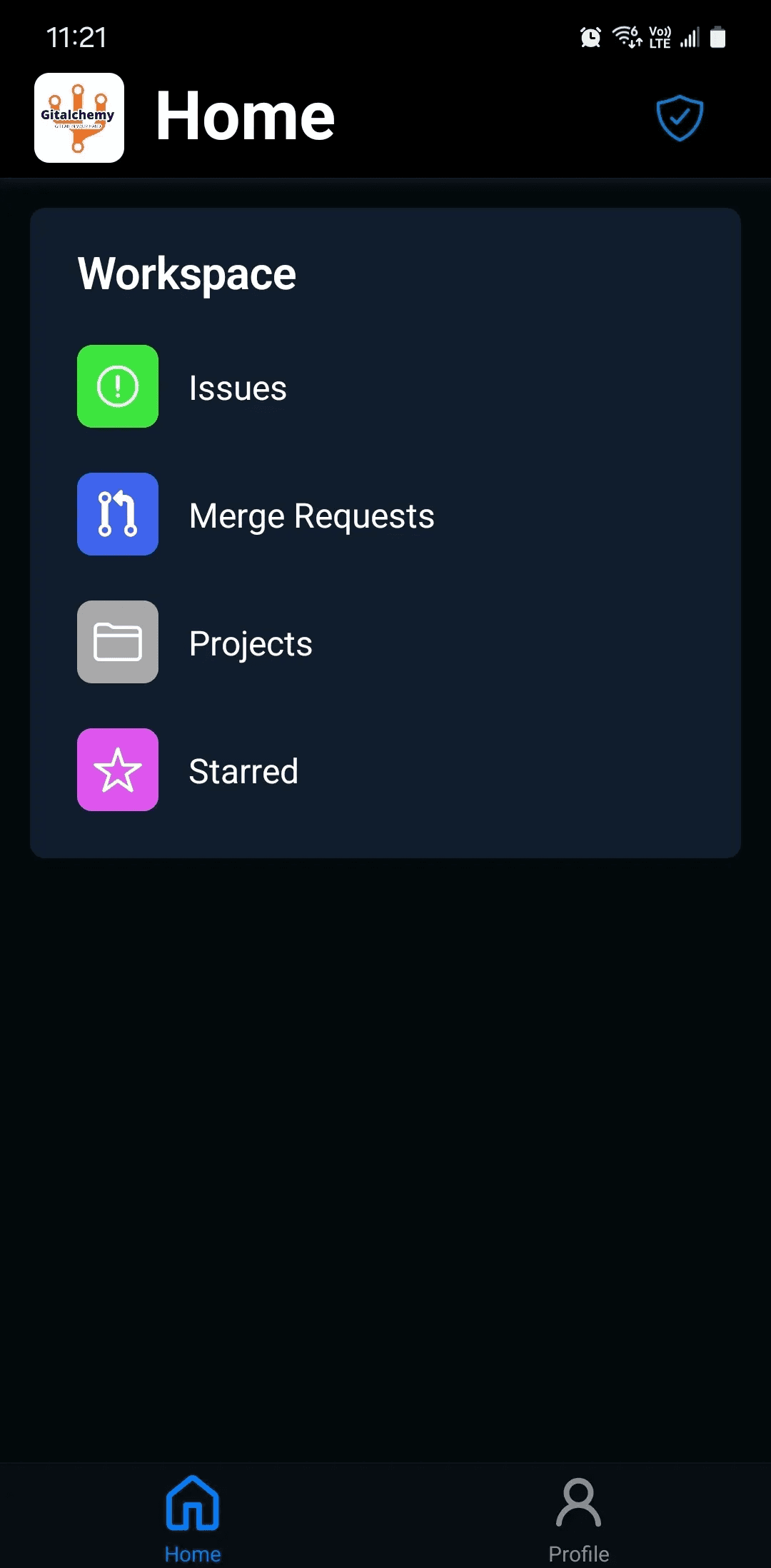
Most "Tauri vs Electron" comparisons are theoretical. They pit frameworks against each other on paper — bundle sizes from the documentation, RAM figures from benchmarks — then conclude in favor of whatever the author started with. This one isn't that. It's the story of building GitAlchemy, a native GitLab client that runs on Linux, macOS, Windows, and Android, from a single TypeScript codebase.
The short version: I started with Expo, hit a wall with F-Droid, evaluated Electron, and ended up with Tauri v2. The result is a 3.2 MB desktop installer, ~20-40 MB RAM at runtime, and Android APKs distributed through F-Droid — all from roughly 31,800 lines of TypeScript/React and 1,265 lines of Rust.
Why I Started with Expo
Expo is a reasonable choice for a mobile-first GitLab companion. It gets you to a working Android app quickly, the developer experience is solid, and the ecosystem around React Native is mature. For a while, it worked.
The dealbreaker was F-Droid. F-Droid is the open-source Android app repository, and it builds every app from source. Expo relies on the Hermes JavaScript runtime, and Hermes is incompatible with F-Droid's reproducible build pipeline. There is no workaround: if you want your app on F-Droid and you're using Expo, you have to drop Expo. For an open-source developer tool, F-Droid distribution isn't optional — it's the point.
Why Not Electron
When you decide to build a desktop app with web technologies, Electron is the obvious answer. It's battle-tested, the tooling is excellent, and Visual Studio Code is proof it can produce serious software. But the numbers are hard to ignore.
An Electron app bundles a full Chromium instance and a Node.js runtime. That produces installers in the 150-350 MB range and runtime RAM usage of 200-400 MB for a modest app. For a developer tool that sits in your taskbar, that's a significant resource tax. The bigger issue for GitAlchemy specifically: Electron has no Android support. There is no path from an Electron codebase to an Android APK. The two targets require two separate codebases.
I was also already using Vite and React. The idea of re-learning an Electron-specific build pipeline when Tauri could consume my existing frontend unchanged was a straightforward argument in Tauri's favor.
Tauri v2: The Practical Case
Tauri works differently from Electron. Instead of bundling Chromium, it uses the system's native WebView — WebKit on macOS/Linux, WebView2 on Windows. The application logic runs in a Rust binary. This is why the GitAlchemy desktop installer is 3.2 MB.
The Rust backend and TypeScript frontend communicate through a typed IPC bridge. The naive way to do this in Tauri is string-based command invocation — you call invoke("my_command") and hope the name matches. That's fragile. tauri-specta eliminates the problem by auto-generating TypeScript bindings directly from the Rust command signatures.
A Tauri command in Rust looks like this:
1#[tauri::command]
2#[specta::specta]
3pub async fn load_preferences(app: AppHandle) -> Result<AppPreferences, String> {
4    let prefs_path = get_preferences_path(&app)?;
5    if !prefs_path.exists() {
6        return Ok(AppPreferences::default());
7    }
8    let contents = std::fs::read_to_string(&prefs_path)
9        .map_err(|e| format!("Failed to read preferences file: {e}"))?;
10    serde_json::from_str(&contents)
11        .map_err(|e| format!("Failed to parse preferences: {e}"))
12}
tauri-specta generates the corresponding TypeScript from that signature. The frontend call is fully typed — no string literals, no manual type declarations:
1// Auto-generated by tauri-specta. DO NOT EDIT.
2export const commands = {
3  async loadPreferences(): Promise<Result<AppPreferences, string>> {
4    return { status: "ok", data: await TAURI_INVOKE("load_preferences") };
5  },
6  // ...
7}
If the Rust signature changes, the TypeScript binding regenerates and TypeScript compilation catches any mismatch. The IPC layer is as safe as the rest of the codebase.
Tauri v2, released in 2024, added mobile targets — Android and iOS. That's the feature that made the migration from Expo viable. The same React frontend that compiles to a desktop app now compiles to an Android APK.
Android from the Same Codebase
This is the part most "Tauri vs Electron" articles don't cover, because Electron doesn't do it. With Tauri v2, you point the build at the Android target and the same React/Vite frontend compiles to a WebView-based Android app. There's no separate mobile codebase, no code-sharing strategy to maintain, no bridge layer to synchronize.
The APK is signed and distributed through both GitLab Releases and F-Droid. F-Droid builds the app from source, which works because the build process is standard — the Hermes runtime dependency that blocked Expo isn't present. GitAlchemy is now listed on F-Droid.
A few things differ between the desktop and Android builds. Android has a read-only filesystem by default, so persistence that works through std::fs on desktop requires Android-specific path handling through Tauri's path APIs. Window management is also handled differently — there's no notion of resizing or repositioning a window on mobile. Platform-specific Rust code handles this with #[cfg(desktop)] and #[cfg(mobile)] attributes, keeping the separation explicit without forking the codebase.
The same 31,800 lines of TypeScript and 1,265 lines of Rust produce four build targets: Linux, macOS (Intel and Apple Silicon), Windows, and Android.
Architecture: The Three-Layer State Pattern
State management in a cross-platform app that also needs to call a Rust backend requires some deliberate structure. GitAlchemy uses a three-layer pattern: useState for purely local UI state, Zustand v5 for shared application state, and TanStack Query v5 for server state and caching.
The distinction matters because TanStack Query's caching and invalidation model is well-suited to GitLab API data — merge requests, pipelines, issues — that needs to stay fresh but doesn't warrant a full Rust round-trip on every render. Zustand handles preferences, session state, and UI state that spans components without needing server synchronization. The pattern is enforced at the linter level through custom ast-grep rules, which flag state that escapes its intended layer.
The same pattern works identically on desktop and Android. There's no platform-specific state logic.
Monorepo with Turborepo + Bun
The codebase is organized as a Turborepo monorepo with Bun as the package manager and runtime:
1apps/
2  desktop/        — Tauri app (React frontend + Rust backend)
3  android/        — Android-specific config and signing
4packages/
5  api-client/     — Type-safe GitLab API client
6  state/          — Zustand stores
7  shared/         — Types and utilities
8  ui/             — shadcn/ui v4 components
The packages/api-client package is the key piece. It's a standalone, type-safe GitLab API client built with TypeScript. It's imported by the desktop app, the Android build, and the test suite. If GitAlchemy ever grows a web companion or a CLI, the API client is already extracted. Turborepo's build graph ensures packages are rebuilt only when their inputs change — CI runs on every push with lint, typecheck, test, and coverage gates.
What I Learned
System WebView inconsistency is a real trade-off. Electron ships Chromium, which means every user gets the same rendering engine. Tauri uses the system WebView, which means minor visual inconsistencies across platforms are possible. This is manageable — Tailwind CSS and shadcn/ui abstract most of it — but it's not free. You have to test on each target platform.
The Rust learning curve is front-loaded but pays off. Writing the IPC layer in Rust means compile-time guarantees for the backend: no runtime type errors, no null pointer crashes, memory-safe concurrency. The 1,265 lines of Rust in GitAlchemy handle file I/O, native notifications, keyboard shortcuts, and menu integration. These are operations where stability matters more than iteration speed.
3.2 MB installers change how you think about distribution. When the entire app is under 4 MB, publishing a release is trivial. GitLab CI produces signed artifacts for all four desktop targets plus Android on every tagged commit. The small binary size is a direct consequence of not bundling Chromium — and it compounds positively: faster CI, cheaper storage, faster user downloads.
Tauri v2's mobile support is real, but young. The Android target works. F-Droid distribution works. The developer experience is rougher than the desktop path — Android toolchain setup, cross-compilation, and signing configuration all require more manual steps than equivalent Expo tooling. Documentation is improving but thinner than for the desktop targets.
The Stack
GitAlchemy is built with Tauri v2, React 19, TypeScript, Vite 7, Rust, Turborepo, Bun, Zustand v5, TanStack Query v5, shadcn/ui v4, and Tailwind CSS v4. Code quality is enforced by Biome, ast-grep custom rules, knip, Vitest (53 test files, 90%+ coverage), and Lefthook pre-commit hooks. The React Compiler handles memoization automatically.
The source is on GitLab: gitlab.com/thomas.pedot1/tauri-vite-gitlab-client.
GitAlchemy is available for Android (including F-Droid), Linux, macOS, and Windows. Try it at gitalchemy.app.